
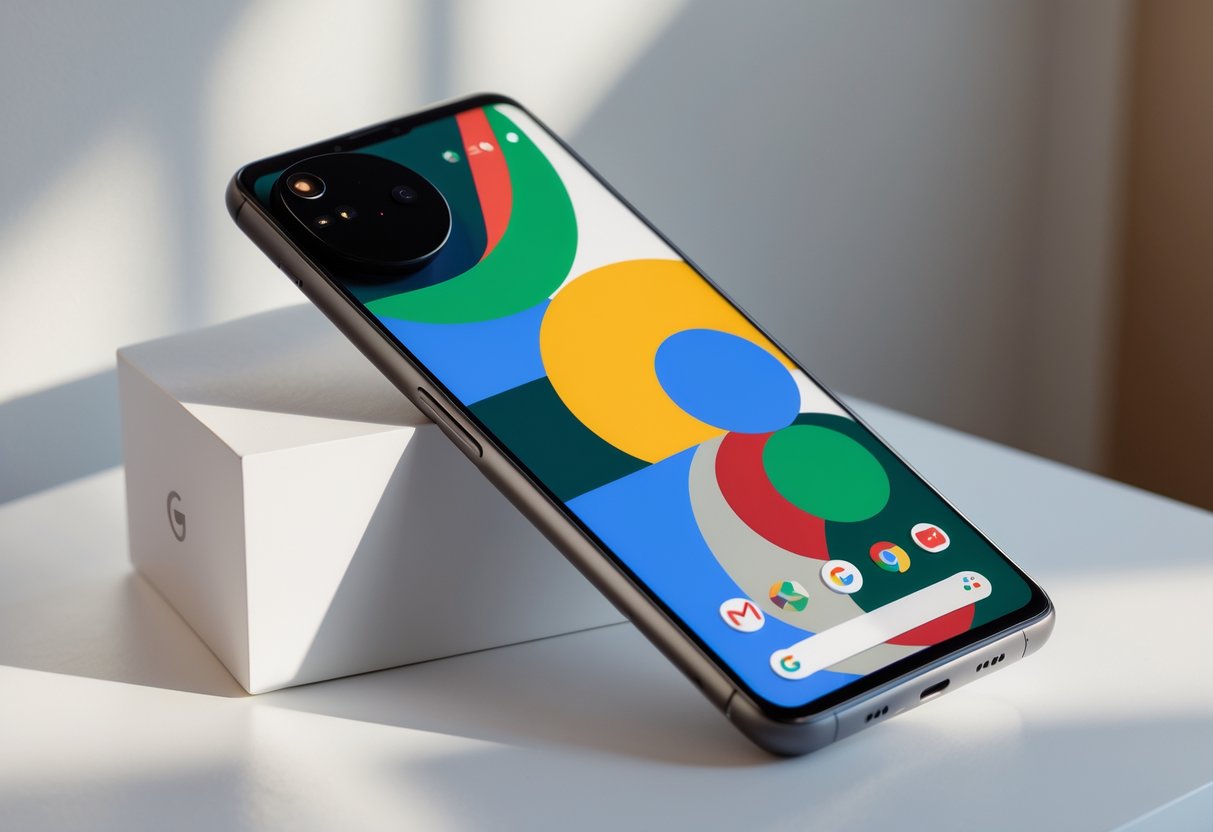
Google Pixel phones really stand out in the crowded smartphone world, mostly because of their clean Android experience and clever AI features. Sure, plenty of Android phones share similar hardware, but Pixel devices get you some tools you just won’t find anywhere else.

The latest Pixels come loaded with AI tricks like Magic Cue for sharing info before you even ask, Voice Translate for calls in other languages, and seriously impressive camera smarts that can fix up your photos and videos automatically. All this runs straight on Google’s custom Tensor chips, which are built to handle heavy AI work right on the phone—no cloud connection needed.
From the brand-new Pixel 10 series with the Tensor G5 chip to older models still getting updates, Google keeps rolling out new features through software. Pixel owners usually get fresh abilities long after buying their phone, which honestly makes these devices a pretty smart pick if you like having the latest tech in your pocket.
Key Takeaways
- Pixel phones pack exclusive AI features like Magic Cue and Voice Translate—things you just don’t get on other Androids
- Google’s Tensor chips power up photography and AI tools, all running on-device
- Regular software updates keep older Pixels feeling new and useful for years
Core Google Pixel Features

Google Pixel phones really lean into AI, with smart call tools, real-time translation, and battery management—all powered by those Tensor chips and Google’s machine learning know-how.
Google Assistant Integration
Pixel phones go deep with Google Assistant. You can trigger it by squeezing the phone or just saying “Hey Google” from any screen.
The assistant handles stuff like setting up a bunch of reminders, running your smart home, or answering surprisingly specific questions. It works hand-in-hand with Gmail, Calendar, Maps, and more.
Pixel-only perks:
- Jump into voice commands even when the phone’s locked
- Get suggestions based on what’s on your screen
- Search your photos using the camera and Assistant together
- Call and text hands-free while driving
Newer models also get Gemini integration, so you can have more natural back-and-forth conversations or tackle complex tasks just by talking.
AI-Powered Call Management
Pixel phones include some pretty smart call features, all running on-device thanks to Tensor and Google’s AI. These help you dodge spam and manage calls with less hassle.
Call Screen answers unknown numbers and asks who’s calling and why. You see the caller’s reply as text, so you can decide if it’s worth picking up.
Hold for Me waits on hold during those endless customer service calls. It listens for a real person, then lets you know when someone’s finally on the line.
Call screening happens all on your phone, so your privacy stays intact. The system learns from how you handle calls, getting better at spotting spam over time.
These features show up on most Pixel models and keep getting better with updates and improved chips.
Live Translate and Voice Translate
Pixel’s Live Translate handles real-time translation in conversations, texts, and calls—all on-device, thanks to those Tensor chips.
Voice Translate lets you talk into your phone and hear your words instantly translated. Great for travel or chatting with someone who speaks another language.
Text translation works inside messaging apps, so you can keep up with friends in other languages without skipping a beat. It supports a bunch of language pairs.
Just point your camera at a sign or menu, and Live Translate will show you what it says, instantly, no internet needed.
The translation system keeps learning and gets more accurate as you use it, working smoothly across different Pixel features.
Enhanced Battery Life and Adaptive Battery
Pixels use Adaptive Battery tech to stretch out battery life by learning your habits. The phone figures out which apps you use most and saves power for those, cutting back on background stuff you barely touch.
Machine learning helps the phone prioritize your favorite apps. Background apps you rarely open get less juice.
Battery Saver mode kicks in when you’re running low, cutting back on background activity and dimming the screen. You can also turn it on yourself if you know you’ll be out for a while.
The phone predicts when you’ll need certain features, prepping resources ahead of time to avoid wasted energy.
Tensor chips make common tasks like snapping photos, streaming, and running AI smoother and more efficient. Most users get a solid day of battery, even with heavy use.
Advanced Photography, Creativity & Device Ecosystem
Pixel phones blend AI camera tools like Magic Editor and Add Me with seamless connections to things like Pixel Buds Pro 2 and Fitbit. The whole ecosystem boosts productivity with widgets, call transcription, and accessibility options.
AI-Driven Camera and Editing Tools
The Pixel 9 series brings in Add Me, which uses AR to put the photographer into group shots. Snap a group photo, then add yourself later using AI—it’s pretty clever.
Magic Editor lets you edit photos with AI: move stuff around, erase objects, or tweak the scene with just a few taps.
On the video side, Video Boost and Super Res Zoom Video on Pixel 9 Pro give you crisp zoom up to 20x, thanks to the 5x telephoto lens and smart processing.
Best Take snaps a bunch of photos and combines the best faces from each, so everyone looks good. HDR+ kicks in to balance lighting automatically, no matter where you are.
Pixel Screenshots app uses AI to organize and search your screenshots. You can even ask it to find stuff like door codes or addresses buried in your screenshot pile.
Connected Pixel Devices and Accessories
Pixel Buds Pro 2 come with the new Tensor A1 chip for audio. Noise cancellation adapts millions of times per second, blocking out way more noise than before.
The buds work with Gemini Live, so you can brainstorm, get directions, or check email—all hands-free.
Fitbit integration brings advanced health tracking to Pixel Watch 3. Machine learning tracks your sleep and triggers Bedtime Mode to save battery at night.
Pixel Watch 3 nails heart rate tracking for runners. It analyzes your cadence, stride, and ground contact time using advanced motion sensors.
Loss of Pulse Detection uses AI to spot possible cardiac emergencies, automatically contacting emergency services and sharing your location if needed.
Productivity, Accessibility and At a Glance Widget
Call Notes creates private summaries of your conversations, all stored on the device. It picks up details like appointments or addresses and notifies everyone involved.
The At a Glance widget shows you stuff you need to know—travel times, package deliveries, calendar events—based on your day.
Gboard offers smart typing suggestions and voice transcription. The more you use it, the better it gets at predicting what you want to say.
Recorder app transcribes conversations live, tagging who’s speaking. You can search recordings and export transcripts for meetings or interviews.
Google Photos backs up your images automatically and uses AI to enhance them. It sorts photos by people, places, or objects for easy searching.
Frequently Asked Questions
Pixel phones come packed with advanced features, and people tend to have questions about what’s new. The latest models push camera AI, battery life, and security even further.
What are the new camera capabilities of the latest Google Pixel phone?
The newest Pixels use Best Take to combine multiple shots from a 10-second burst, making sure everyone in a group photo looks their best.
Add Me fixes the classic photographer problem in group pics. You snap one photo without you in it, then swap places and take another—the AI merges both into one shot where nobody’s missing.
Magic Editor gives you pro-level editing tools. Move people, swap out skies, or erase distractions—the AI fills in the gaps for a natural look.
Super Res Zoom sharpens digital zoom by stacking slightly offset images. AI then builds a higher-res, more detailed final photo.
How does the Google Pixel’s battery life compare to its predecessors?
New Pixels get more from each charge thanks to better software and that Tensor chip, which focuses on AI instead of power-hungry gaming. That means daily tasks use less battery.
Smart battery management learns your habits, prioritizing power for your go-to apps and cutting back on background stuff you rarely use.
Adaptive charging helps your battery last longer by learning your charging patterns and slowing things down overnight, reducing heat and wear.
Can you outline the display advancements made in the newest Google Pixel model?
The latest Pixels have brighter, more color-accurate screens. Outdoor visibility is better, and colors pop without making skin tones look weird.
Adaptive refresh rates save battery by running at 120Hz for smooth scrolling and dropping lower when you’re reading or looking at static stuff.
Always-on display shows you the basics—time, notifications, battery—without unlocking, and sips power with its tuned-down brightness.
What security features have been implemented in the Google Pixel’s most recent version?
Tensor G4 brings a dedicated security core, isolating sensitive processes from the rest of the system to block advanced attacks.
Face unlock and fingerprint scanning both use secure hardware. You can pick whichever unlock method you prefer, or set up both.
Security updates drop monthly, straight from Google—not your carrier. Critical patches get fast-tracked.
Private computing keeps your data on your phone. AI features like Live Translate work offline, so your info doesn’t leave the device for processing.
How does the Google Pixel handle software updates and support?
Pixel phones get Android updates before anyone else. New features show up as soon as Google releases them—no waiting.
Every Pixel comes with seven years of security updates, including monthly patches and feature bumps. Even older models stay protected.
Updates install quietly in the background, so you don’t have to sit around waiting. After a quick restart, you’re on the latest version.
Want to try new stuff early? Beta programs let you test features before they’re official, and you can bail out anytime if you want stability instead.
What are the unique smart assistant features available on the Google Pixel?
Call Screen jumps in when unknown numbers ring you. The AI asks who’s calling and shows you their response, so you can peek at the conversation before deciding if you want to pick up.
Hold for Me tackles those endless hold times. Your phone waits on the line and lets you know when a real person finally answers, so you can skip the elevator music and do something better with your time.
Live Translate handles real-time conversations, both voice and text. It even works offline, which is honestly a lifesaver when you don’t have internet.
Car Crash Detection uses the phone’s sensors to spot severe impacts and can call emergency services for you. If you’re unable to respond, your phone can still reach out for help.
Voice typing gets natural speech and lets you dictate messages, including punctuation and commands. The AI does a pretty solid job picking up context and tone, so your texts sound the way you mean them to.
Comments