
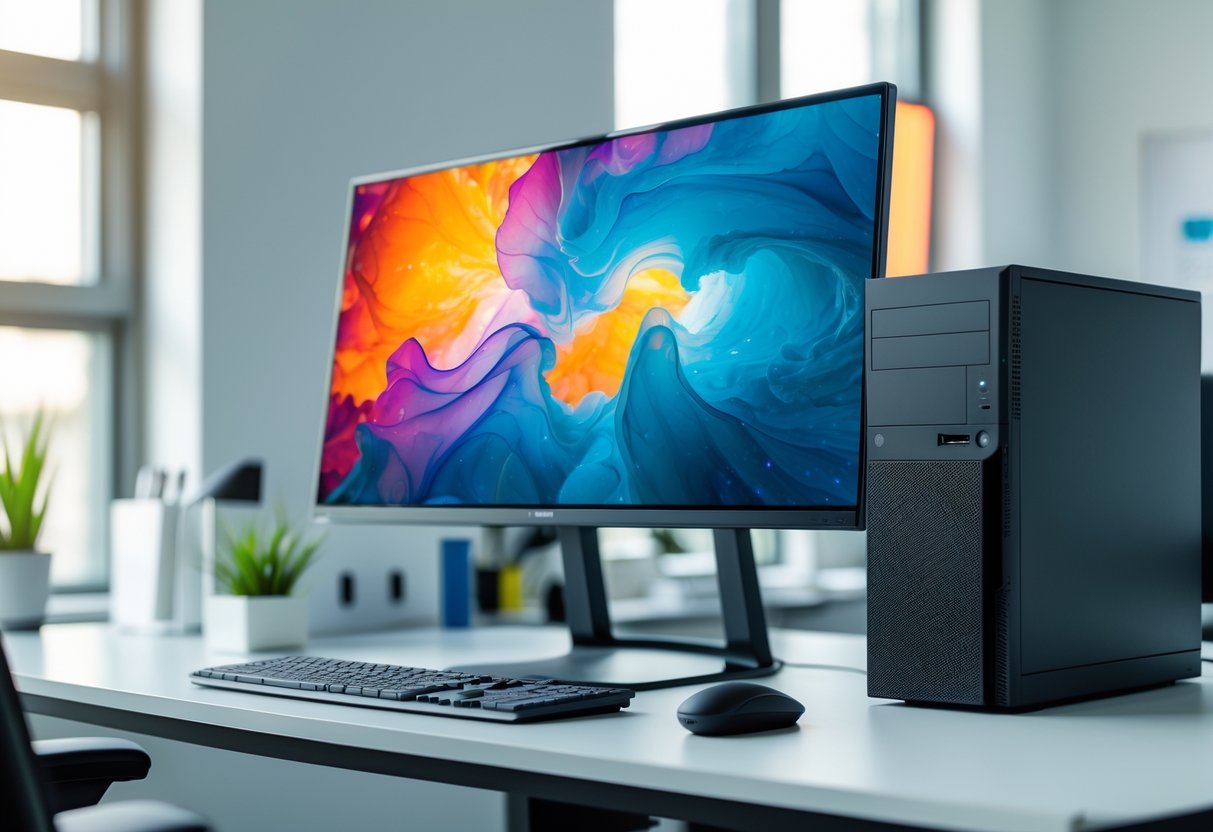
Desktop computers are still a smart pick if you want reliable power and performance. Desktop PCs usually give you stronger processing, easier upgrades, and more storage at better prices than laptops. They’re great for gaming, creative work, office stuff, or just everyday browsing—sometimes it’s nice not to lug a laptop everywhere.
The desktop market in 2025 has something for pretty much every budget. Entry-level desktops start around $600 and handle basic tasks just fine. If you’re into gaming, mid-range machines run $1,000 to $1,500 and can play the latest games at high settings. Premium workstations can cost $2,000 or more, but they’re built for demanding professional work.
Which desktop works best for you? That really depends on your needs. Budget towers are fine for web browsing and documents. Gamers should look for powerful graphics cards. Creative pros will want extra memory and fast processors. Here are the top five desktop computers across different categories to help you find the right fit.
Key Takeaways
- Desktop computers give you better performance and upgrade options than laptops at similar prices
- The best desktop depends on what you need—gaming, work, or general use
- Top desktop picks in 2025 go from budget systems under $600 to high-end machines over $2,000
Ranking the Top 5 Desktop Computers of 2025

Whether you want a powerhouse gaming tower or a compact workstation, 2025’s best desktops have you covered. These five stand out for their performance, value, and reliability—something for Windows and macOS fans alike.
Dell XPS 8960 Overview
The Dell XPS 8960 gives solid performance for both everyday users and creative folks. With Intel’s latest processors and up to 64GB of RAM, this tower handles photo editing, video work, and multitasking without slowing you down.
Dell made the XPS 8960 easy to upgrade. You can swap in more storage or a new graphics card as your needs change. The case looks clean and fits nicely in a home office.
You get plenty of USB ports, an SD card reader, and speedy WiFi 6E. Dell sells versions with integrated graphics for basic stuff or discrete NVIDIA cards for heavier tasks. The XPS 8960 runs Windows 11 and comes with a one-year warranty (you can extend it if you want).
Apple iMac M4 Features
The Apple iMac M4 mixes a gorgeous 24-inch 4.5K Retina display with Apple’s M4 chip in a slim all-in-one. It’s quick for creative work, coding, and everyday tasks. The M4 chip is faster than before and uses less power, which is always nice.
All-in-one design means less cable clutter—just one power cord. The iMac M4 comes in seven colors, so you can actually match your workspace. The display shows accurate colors, a plus for photographers and video editors.
Key specs:
- Up to 24GB unified memory
- Up to 2TB SSD storage
- 1080p FaceTime camera
- Six-speaker sound system
- Four USB-C ports with Thunderbolt
It runs macOS and plays nicely with other Apple devices. You also get the Magic Keyboard and Magic Mouse in the box.
HP Omen 35L Performance
The HP Omen 35L is built for gamers who want big performance. It supports the latest NVIDIA RTX 4000-series graphics and both Intel and AMD processors. You get smooth gameplay at high settings and frame rates.
HP designed the Omen 35L with strong airflow, so it stays cool even during long sessions. The tempered glass side panel shows off the RGB lighting, which you can tweak with HP’s software.
Upgrades are simple—no tools needed. You can add more RAM, storage, or swap out the graphics card without a headache. The front panel gives you easy USB ports and headphone jacks. It ships with Windows 11 and HP’s gaming software suite.
CyberPowerPC Gamer Supreme Highlights
CyberPowerPC makes custom gaming systems that really pack in value. The Gamer Supreme line uses up-to-date components at competitive prices. These towers come with strong processors and high-end graphics cards.
You get to customize a lot before you buy. Pick your CPU, GPU, RAM, storage type, and cooling. That way, you don’t pay for stuff you don’t want.
There’s RGB lighting throughout, plus tempered glass panels. The systems arrive fully assembled and tested, with tidy cable management. They run Windows 11 and have a standard one-year warranty on parts and labor.
Apple Mac Mini M4 Capabilities
The Apple Mac Mini M4 squeezes a lot of power into a tiny 5-inch square box. It saves desk space but still performs like a bigger tower. The M4 chip handles video editing, software development, and creative work with surprising efficiency.
You’ll need to bring your own display, keyboard, and mouse, but that’s not a bad thing—you can pick what fits your style and budget. The small size makes it easy to hide behind a monitor or fit into tight spots.
Ports and connections:
- Three Thunderbolt 4 ports
- Two USB-A ports
- HDMI output
- Gigabit Ethernet
- Headphone jack
The Mac Mini supports up to two external displays and offers up to 24GB of unified memory. You can get up to 2TB of fast SSD storage. It runs macOS and barely sips power compared to bigger towers.
Key Considerations When Choosing a Desktop Computer

Your processor determines how fast your computer feels, while your graphics card matters most for gaming and creative work. RAM lets you run more programs at once, and your storage type impacts both speed and how much stuff you can keep on your machine.
Processor and Performance Factors
The processor (CPU) is really the brain of your desktop. Intel and AMD pretty much own this space right now.
Intel Core i7 and Core i9-14900KF chips give you strong performance for heavy work. AMD’s Ryzen 5 is solid for everyday stuff, while Ryzen 7 and Ryzen 7 8700G are better for gaming and content creation. More cores mean your computer can juggle more things at once.
If you mostly browse the web or use basic programs, you don’t need tons of processing power. Video editors or 3D artists should look for high-end CPUs. Gamers should get at least 6 cores and high clock speeds for the best experience.
Intel uses higher numbers for faster processors, and AMD does something similar with Ryzen. It’s not rocket science, but it can get confusing fast.
Graphics Capabilities
Graphics cards handle visuals and matter a lot for gaming, video editing, and design. For basic stuff like browsing, integrated graphics (like Intel UHD) are fine.
If you want to game or do creative work, you’ll need a dedicated graphics card. The NVIDIA GeForce RTX 4060 is great for 1080p gaming. The RTX 4060 Ti handles 1440p better. RTX 5070 and RTX 5080 are for 4K gaming and pro work—they’re not cheap, but wow, are they fast.
If you just do office work or stream videos, don’t waste money on a high-end GPU. Gamers should match the graphics card to their monitor’s resolution. No need for an RTX 5080 if you’re on 1080p. For 4K, you’ll want that extra power.
Video editors and 3D designers should look for cards with more memory—they’ll notice faster rendering and previews.
RAM and Multitasking
RAM lets your computer run more stuff at once. More RAM means smoother multitasking.
16GB RAM is enough for most—web, office work, light gaming. 32GB RAM is better for content creators, serious gamers, or if you run a lot of programs. 64GB RAM is for pros working with huge video files or complex 3D projects.
DDR5 RAM is faster than DDR4. If you can, go DDR5. Apple uses unified memory, which works differently but is efficient.
| RAM Amount | Best For |
|---|---|
| 16GB | Web browsing, office work, casual gaming |
| 32GB | Video editing, serious gaming, heavy multitasking |
| 64GB | Professional video work, 3D rendering, data processing |
Buy enough RAM for what you do now, but leave a little headroom for future updates.
Storage Options
Your storage affects how fast your computer boots and loads programs. SSDs have no moving parts and are way faster than old-school HDDs.
A 1TB SSD is plenty for most people and makes programs load fast. 2TB SSD is great if you have a big media library or lots of games. Budget desktops might come with a 512GB or 256GB SSD—fine for basics, but they fill up quick.
Some desktops mix SSD and HDD. The SSD holds your OS and programs for speed, while a 1TB HDD gives you cheap storage for files.
SSDs cost more per gigabyte, but the speed boost is worth it. Computers boot in seconds, programs open instantly, and file transfers fly.
If you have lots of photos or videos, or you’re a gamer with modern titles, you’ll want at least 1TB—some games eat up 50-100GB each.
Frequently Asked Questions
Desktop buyers in 2025 should think about gaming performance, business value, size, upgrade options, energy use, and security. There are plenty of choices at every price, each with its own pros and cons.
What are the best high-performance desktop computers for gaming in 2025?
The Alienware Aurora (2025) is a standout for 1440p gaming, thanks to its Nvidia GeForce RTX 5070 Ti graphics card. It’s got an Intel Core Ultra 7 265KF processor, 32GB RAM, and customizable RGB lighting. Dell runs sales on this model pretty often—sometimes up to $450 off.
Velocity Micro Raptor Z55a delivers top gaming performance in a small tower. It can handle 4K gaming and usually costs up to $1,500 less than similar rigs. You get top-tier components and solid cooling.
The MSI Codex R2 is a good budget gaming option under $1,000. It comes with an Intel Core i5-14400F and Nvidia GeForce RTX 4060. You’ll get good 1080p gaming and decent 1440p. The system has 16GB RAM and 1TB SSD storage, plus room to upgrade later.
Which desktop computers offer the best value for money for small businesses?
The Acer Aspire TC-1775-UR11 gives you a lot for under $600—Intel Core i5-14400, 8GB RAM, Wi-Fi 6E, dual HDMI for two monitors, and a handy front-panel card reader. There’s room inside to bump up memory or storage if you ever need more.
Dell Precision 3680 is a solid pick for businesses that want a scalable workstation without breaking the bank. You can get it with error-correcting code (ECC) memory, which helps if you’re running sensitive applications. Dell lets you start with a basic setup and scale all the way to high-end graphics cards if that becomes necessary.
The Aspire TC’s front USB-C port and up-to-date connectivity are genuinely useful for small offices. With a 512GB SSD, you’ve got enough space for everyday tasks. Plus, the tower design makes it easy for IT folks to swap out parts as your business grows.
How do the latest all-in-one desktops compare to traditional tower setups in terms of computing power?
All-in-one desktops usually can’t match towers for raw performance, mostly because of size and cooling limits. Towers can handle full-size graphics cards and better cooling. If you want to see what all-in-ones can do, check out the Lenovo Yoga AIO 27-Inch for Windows.
Tower desktops let you upgrade more easily and come with more flexibility. They support powerful processors and multiple drives without getting too hot. Gaming towers like the Alienware Aurora reach performance levels that all-in-ones just can’t touch.
All-in-ones are great for saving space and cutting down on cable mess. They’re fine for office work and some creative projects, but if you need to do 3D rendering, heavy video editing, or serious gaming, towers are still the way to go.
Can you recommend desktop computers with exceptional expandability and upgrade options?
The MSI Codex R2 gives you dual-channel RAM and lots of room inside for upgrades. You can swap out the CPU, GPU, memory, and storage. It’s under $1,000 and still leaves you space to upgrade down the road.
Dell Precision 3680 stands out if you want something that scales up easily. The case fits a range of components, from basic workstations to high-end builds. You can add ECC memory, more drives, or pro graphics cards as you need them.
The Acer Aspire TC-1775-UR11 covers basic upgrades on a budget. You can add memory or storage, and the front panel makes it simple for beginners to open up and install new parts.
What desktop models lead in energy efficiency and environmental sustainability?
The Apple Mac mini with the M4 processor really nails performance per watt in a small aluminum body. Starting at $600, it comes with 16GB unified memory. If you spring for the M4 Pro, you get workstation power but still keep that tiny, efficient footprint.
Mini PCs usually sip less power than big towers since they use laptop-style parts. The Mac mini’s updated cooling stays quiet and handles heat well. Its small size also means less material use and lower shipping impact.
Towers tend to use more power under heavy loads, but they scale up performance better. The Alienware Aurora keeps things cool and quiet, even with high-end parts inside. If you care about energy use, it’s worth checking the power supply specs and processor TDP before buying.
Which desktop computers have the most robust security features suitable for handling sensitive data?
The Dell Precision 3680 comes with ECC memory, which catches and fixes data errors on its own. That’s crucial if you’re running a database server or managing industrial systems. It runs Windows 11 Pro, so you get some of Microsoft’s best security features right out of the box.
ECC memory keeps data corruption at bay in servers and applications where accuracy actually matters. Regular desktops stick with non-ECC memory, which just doesn’t catch errors at all. If you’re serious about data integrity, professional workstations like this one make a lot more sense than standard desktops.
Most business desktops these days have TPM 2.0 chips for hardware encryption. With Windows 11 Pro, you also get BitLocker for drive encryption and the ability to join domains. The Precision 3680 pulls all of these together—software protections, hardware encryption, and ECC memory—so you’re covered when it comes to keeping data safe.
Comments